
Documentation Index
Fetch the complete documentation index at: https://docs.momentum.io/llms.txt
Use this file to discover all available pages before exploring further.
Overview
Momentum keeps everyone informed whenever a sales call will be recorded. When Momentum is set to record a meeting, it automatically updates the calendar event with a link to a recording consent page. Attendees who click this link see your recording disclaimer and a button that redirects them to the scheduled Zoom, Google Meet, Microsoft Teams, or Webex meeting. By proceeding through the consent page, participants acknowledge that the call will be recorded.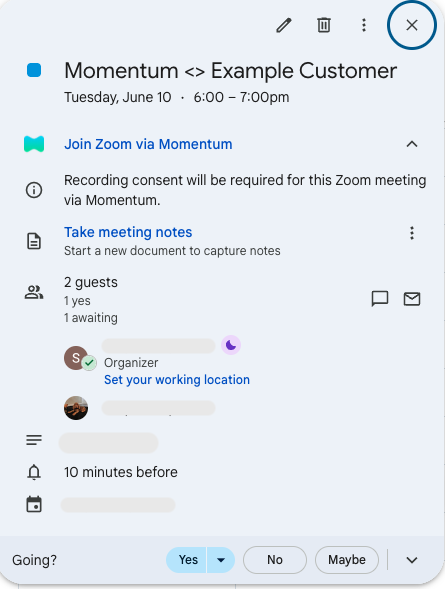
Prerequisites
- Each user of the Recording Consent feature must be authenticated with a supported calendar provider (Google Calendar or Microsoft Outlook). This is required for Momentum to update calendar events with the recording consent link.
- An AI license is required to use this feature.
Key Benefits
- Automatic calendar updates ensure that invitees receive notice of recording.
- Works seamlessly with Zoom, Google Meet, Microsoft Teams, and Webex.
- Helps your team stay compliant with recording consent requirements.
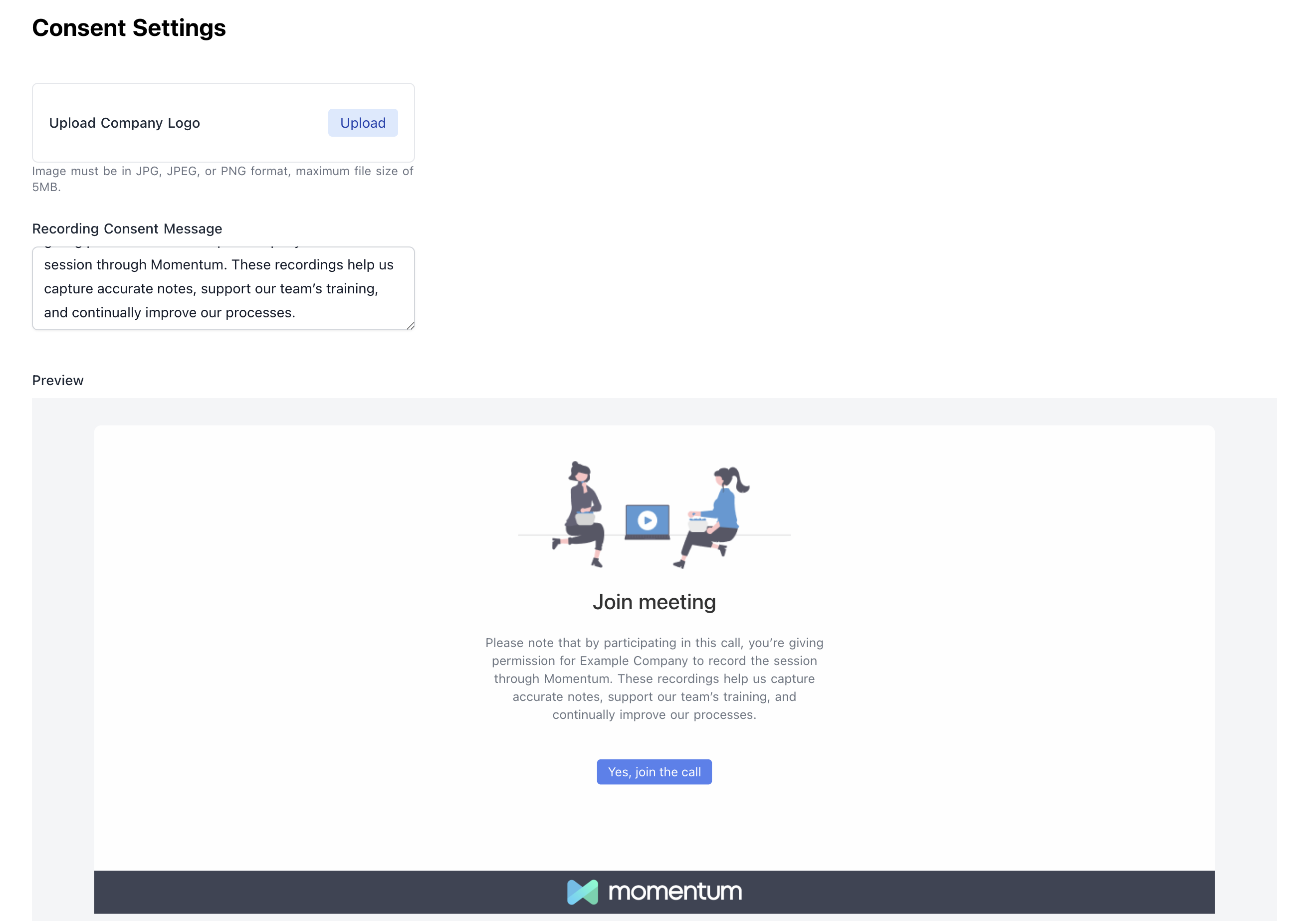
Customizing the Consent Page
How It Works
When an organization has the Momentum consent screen enabled, meeting participants will be directed to the consent collection page prior to joining the meeting.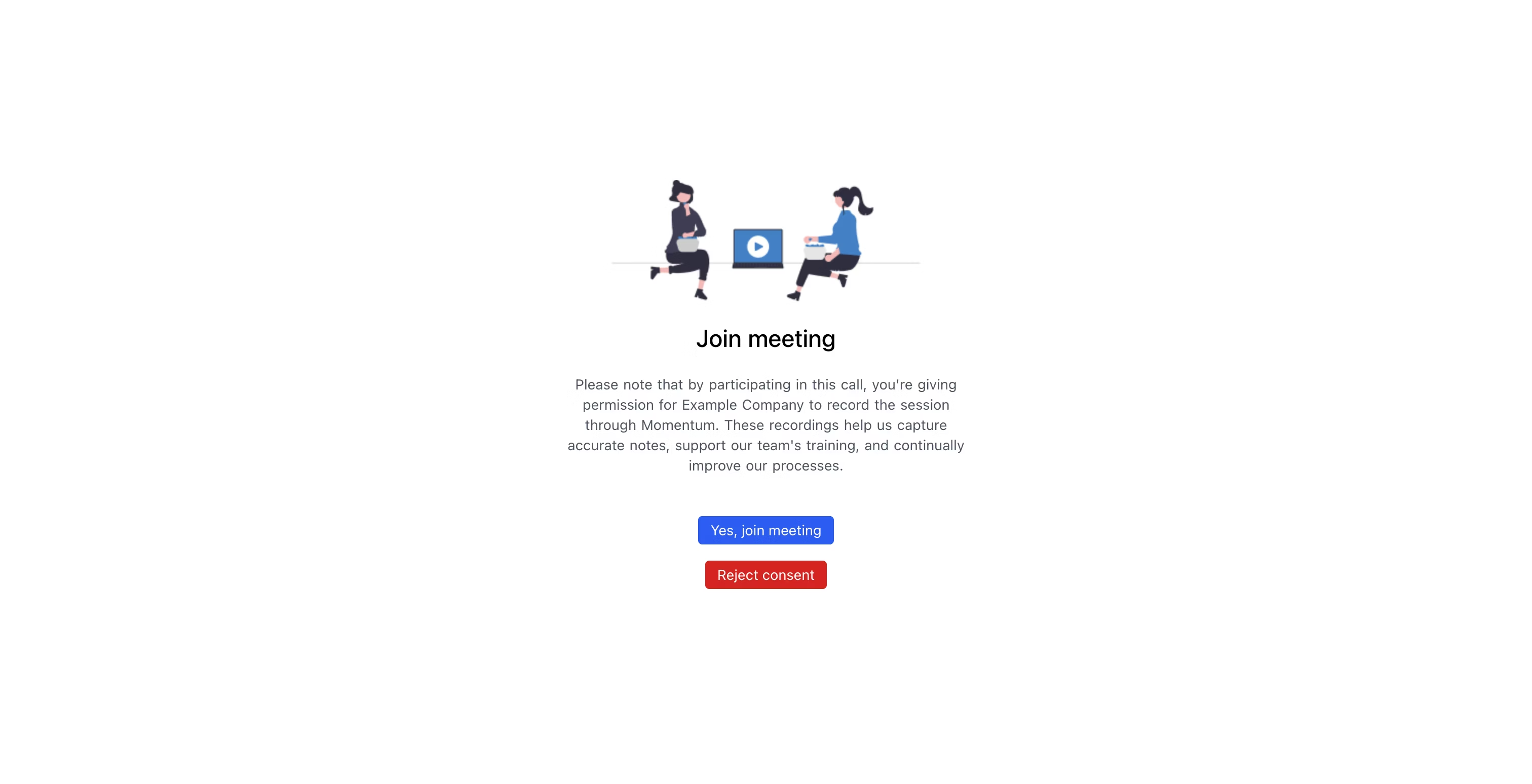
- If the participants gives consent, they may click the “Yes, join meeting” button to be redirected to the call immediately.
- If the participant wishes to reject consent, they may click the “Reject Consent” button, which will prompt up a pop-up window asking the participant to provide their email.
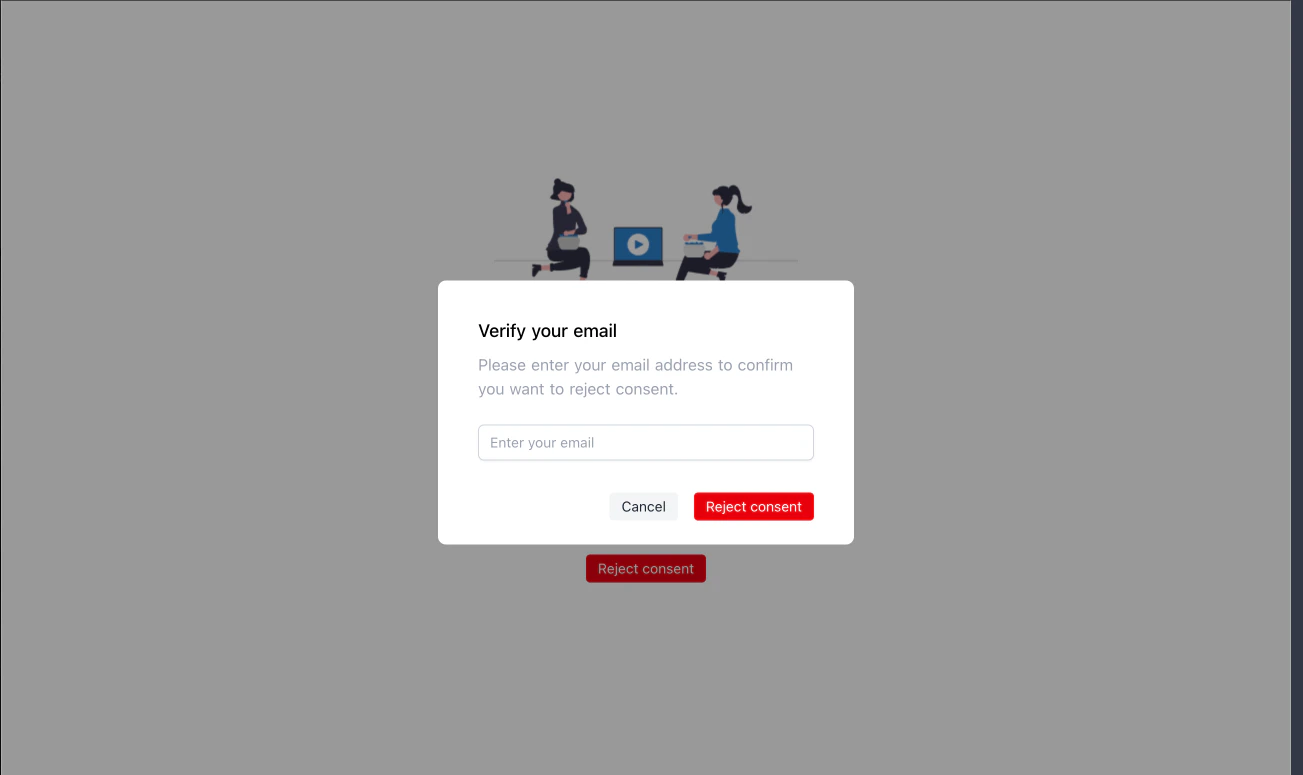
- A participant whose email address is in the meeting’s invitee list OR
- A participant who shares the same email domain as the host of the meeting